

We’ve all been there: you’re deep in “the zone,” ideas are flowing, or maybe you’ve just stepped away for a quick espresso. You return, and—black. Your screen has timed out, your status flipped to “Away,” and your momentum is shattered.
Productivity isn’t just about working harder; it’s about removing the friction that stops you. That’s where StayAwake.dev comes in. It’s a silent guardian for your digital workspace—no installs, no complex settings, just one click to keep your world active.
The Silent Productivity Killer: When Your Screen Goes Dark
Imagine you’re in the middle of an important video conference, drafting a complex report, or watching a tutorial to learn a new skill, only to be met with a blank, dark screen. It’s an unnerving and all-too-common experience driven by systems designed to conserve energy by turning off displays after periods of inactivity. While this may seem harmless, the consequences for productivity are real: lost focus, interrupted ideas, and wasted time.
Many users are unaware of how default system settings silently sabotage their efficiency. The problem amplifies in remote work settings, where staying engaged with the screen is critical. Whether your device’s power management is overly aggressive or you’re working on a task requiring you to leave the screen unattended temporarily, these interruptions can cause frustration. Recognizing this as a silent productivity killer led to the development of smarter, more user-friendly solutions, particularly browser-based tools that empower users to keep their screens awake seamlessly.
The “Away” Status Anxiety: Navigating the World of Remote Work
Remote work has revolutionized how we approach our jobs, offering flexibility and comfort. However, it also introduces a subtle but impactful form of anxiety—the “away” status when your system believes you’re inactive. Many communication apps, like Slack, Teams, or Zoom, automatically set your status to “away” if you’re not interacting actively, often accompanied by a dimmed or inactive status indicator. This not only signals to colleagues that you’re unavailable but also can lead to missed messages or delayed responses.
The core of this issue lies in the system’s failure to distinguish between true inactivity and momentary pauses. For example, walking to grab a coffee or stepping away for a quick break shouldn’t cost you visibility or break your workflow. To address this, tools like stayawake can help keep your system active, ensuring your status remains online and your work flows uninterrupted. This way, you maintain the appearance of consistent activity, reducing “away” status anxiety without misleading colleagues.
Interrupted Progress: The Frustration of Timed-out Renders and Downloads
Progress halts when screens timeout or background processes pause due to system energy-saving features. This is particularly frustrating during lengthy tasks like rendering videos, downloading large files, or running complex computations where continuous activity is expected. Without intervention, these processes can halt unexpectedly, requiring manual restart or supervision, wasting valuable time and effort.
Many creative professionals and developers rely on uninterrupted environments to complete their work efficiently. The frustration is compounded when you’re away from your device or multitasking elsewhere, not realizing the system has paused your processes. Here, having a way to keep your system and applications awake—for instance, through browser-based frameworks or small utility scripts—can make a significant difference. Such solutions sit quietly in the background, ensuring your workflows remain uninterrupted and your progress stays on track.
The Settings Struggle: Why System Power Options Are a Hassle
Adjusting system power settings seems simple at first. Go to control panels, tweak sleep timeouts, and voila, problem solved. Yet, this often becomes a tedious and inconsistent process; different devices, OS versions, or work policies complicate the matter. Some laptops are locked down by corporate policies, restricting the ability to modify power options. Others forget to reset settings after updates or reboots, leading users back to the same frustration.
Moreover, toggling power settings for specific needs can clutter the user experience, especially if you switch between work and leisure modes frequently. For those who prefer a quick solution without delving into system menus, the need for an easy, reliable way to keep their screens awake becomes evident. This is where lightweight, browser-based tools such as stayawake come into play—they provide a no-hassle, instant fix without tampering with system configurations.
Meet stayawake.dev – Your Computer’s New Best Friend
Imagine a tool that keeps your screen on, never requiring complex installations or intrusive setup procedures. stayawake.dev is exactly that—a simple, browser-based utility designed to prevent your screen and system from timing out. It’s an elegant solution that addresses the frustrations outlined above without overcomplicating your workflow.
What makes stayawake.dev stand out is its zero-install approach. By functioning directly within your web browser, it eliminates the typical hurdles associated with software installation, updates, or compatibility issues. Whether you’re working on a Mac, Windows, or Linux machine, this tool offers a hassle-free experience that can be activated instantly through any modern web browser. Let’s explore how exactly this magic works under the hood and why it’s a game-changer.
The Magic of “Zero-Install”: Why Browser-Based is a Game Changer
One of the core benefits of stayawake.dev is that it operates entirely within your browser, requiring no downloads or software installations. This zero-install design is a significant advantage in environments where installing new software isn’t permitted or desirable, such as corporate laptops or shared workstations.
From a practical perspective, this approach means you can toggle stayawake instantly, regardless of your device or operating system. All it takes is opening the website and activating the “keep awake” feature—no fuss, no waiting for updates. Additionally, browser-based solutions often have lower resource consumption, meaning your system remains responsive and unaffected during use. This makes stayawake.dev a particularly appealing choice for those who need a quick, reliable way to keep their screens active without risking security issues or cluttering the system.
Under the Hood: How the Screen Wake Lock API Keeps Things Active
StayAwake.dev leverages modern web technologies like the Screen Wake Lock API—a standardized web API that enables websites to inhibit the display from turning off or sleeping. When activated, this API requests the system to keep the display awake, effectively preventing the timeout settings from taking effect.
This API operates efficiently and with minimal resource usage, making it suitable even for long-duration tasks. The API works by maintaining a “wake lock,” which signals to the system that ongoing activity is necessary, thus overriding default timeout behaviors. This process is silent and transparent to the user—a seamless way to stay focused without manual intervention. Modern browsers like Chrome, Firefox, and Edge support this API, making stayawake.dev broadly compatible.
Bypassing Barriers: The Ultimate Hack for Restricted Work Laptops
In some cases, especially on restricted corporate devices, system settings related to display timeout or sleep might be locked down, making traditional changes impossible. Fortunately, browser-based solutions circumvent these restrictions, acting as an external layer that maintains activity independently.
By using stayawake.dev, you can effectively bypass these barriers, maintaining your workflow uninterrupted. This is particularly valuable for freelancers or remote employees working on managed devices, where security policies limit system modifications. While it’s always essential to respect organizational policies, tools like stayawake.dev offer a practical workaround that aligns with productivity needs without compromising security or compliance.
Aesthetics Meet Utility: A Tool That Actually Looks Good
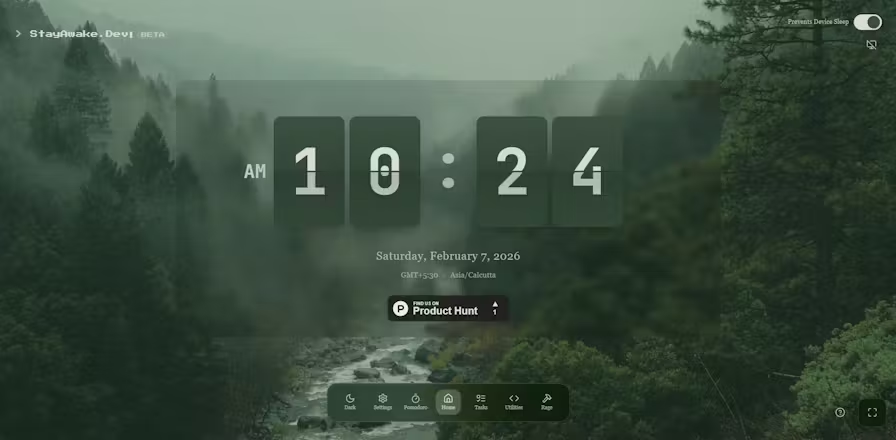
Functionality doesn’t have to come at the expense of aesthetics. With most digital tools, an intuitive and visually pleasing interface enhances the user experience, making regular use more enjoyable. stayawake.dev exemplifies this principle by providing a clean, minimalistic interface that doubles as a piece of digital decor—a live, minimalist clock right in your browser tab.
This aesthetic touch turns what could be a simple utility into a handy desk companion, blending form and function in a way that’s unobtrusive yet attractive. The visual appeal encourages consistent use, whether you’re working at your desk, in a coffee shop, or on the go. Such small details matter; they help reinforce the habit of keeping your workflow smooth and uninterrupted.
The Minimalist Digital Clock: Turning a Tab into Desk Decor
The core aesthetic feature of stayawake.dev is its digital clock display, seamlessly integrated into its interface. It transforms a mundane utility into a stylish, functional piece of digital decor. Instead of cluttering the workspace with intrusive icons or complicated menus, the simple clock provides a constant, aesthetic reminder of the passing time—helping users stay aware and organized.
This minimalist approach aligns well with modern productivity philosophies emphasizing simplicity, focus, and reducing visual clutter. It offers a quick glance at the time, helping you manage your breaks, monitor productivity, or simply add a touch of elegance to your browser workspace.
Customizing the Vibe: Tailoring Your StayAwake Experience
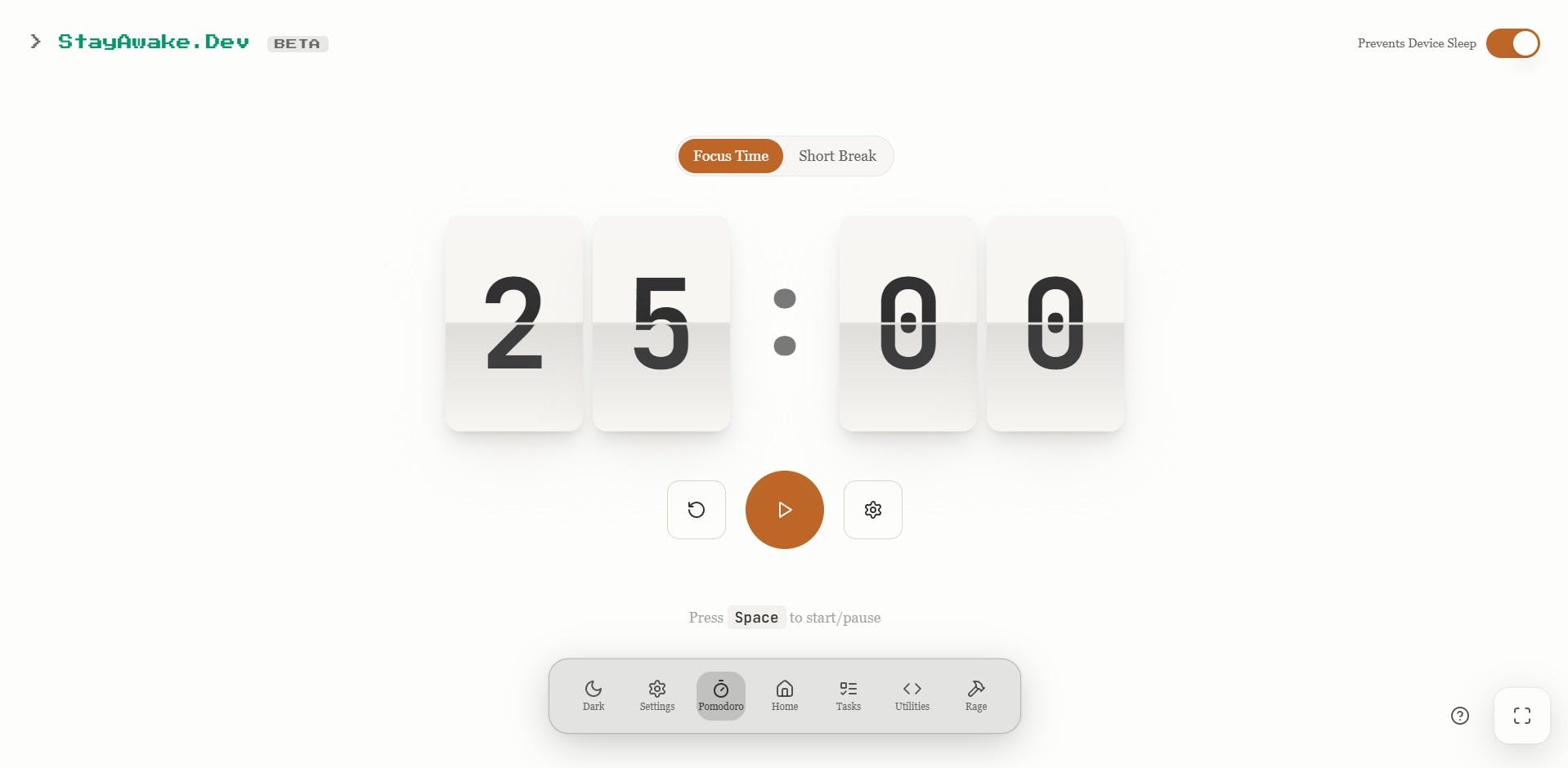
While stayawake.dev’s default interface is sleek, some users appreciate customization options to tailor their experience further. For example, adjusting the clock’s appearance, selecting themes, or configuring shortcut keys to toggle functionality swiftly can enhance usability.
Though the platform is designed for simplicity, integrating some personalization options—such as dark mode support or different clock styles—can make the tool feel more integrated into your digital environment. These features allow users to make stayawake.dev not just a utility but a personalized part of their workflow.
Simplicity at Its Core: One Toggle to Rule Them All
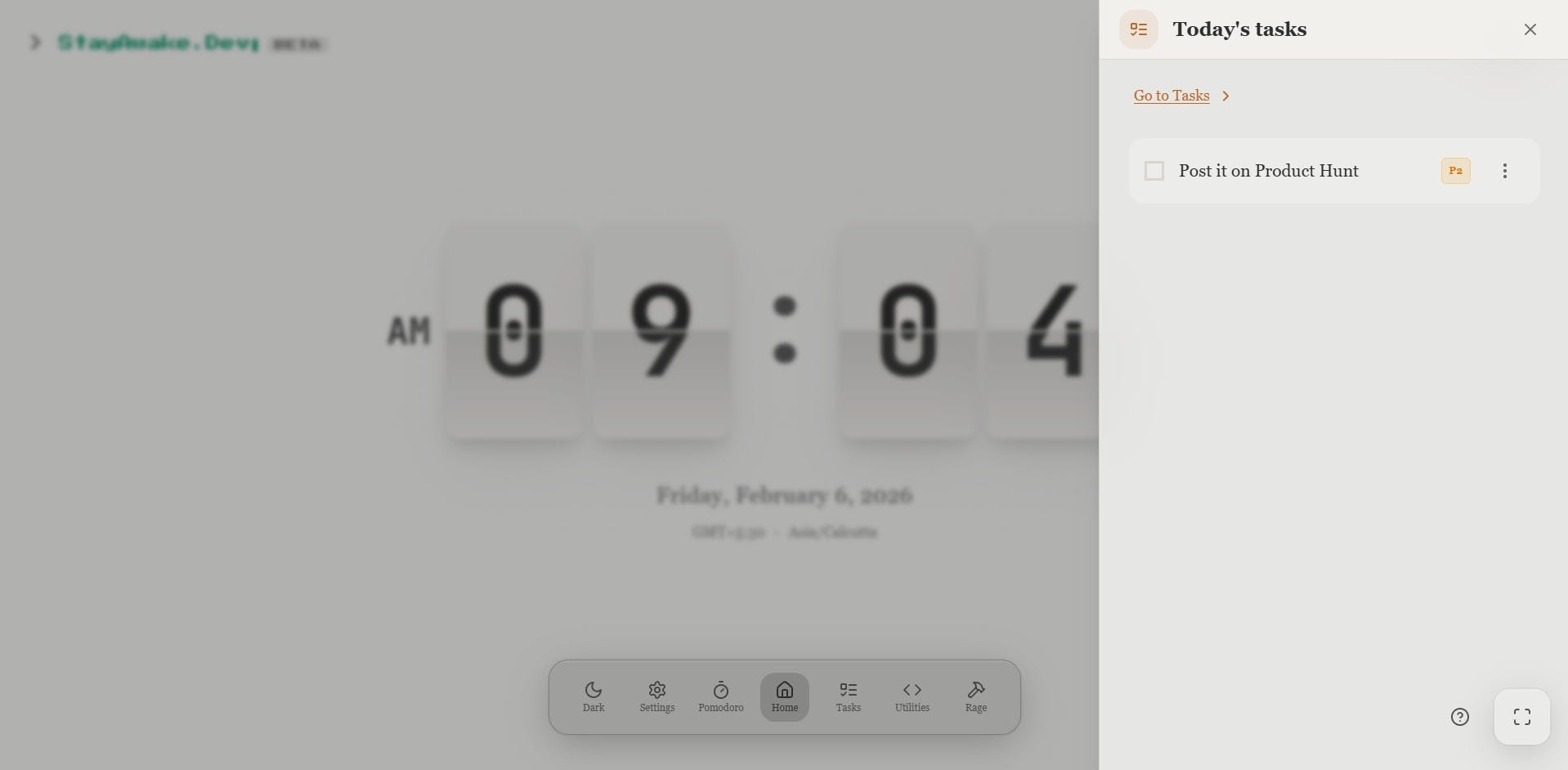
The beauty of stayawake.dev lies in its simplicity—just one toggle button activates or deactivates the keep-awake feature. This minimalism ensures that even users with limited technical knowledge can effortlessly keep their devices active. It reduces the cognitive load and allows you to seamlessly switch between active and energy-saving modes.
Reduced complexity means less clutter, fewer distractions, and more time focusing on your core tasks. It demonstrates how sometimes, the simplest solutions are the most effective—and how tools that emphasize clarity and ease of use often become the most relied upon.
Real-World Scenarios: Where StayAwake.dev Saves the Day
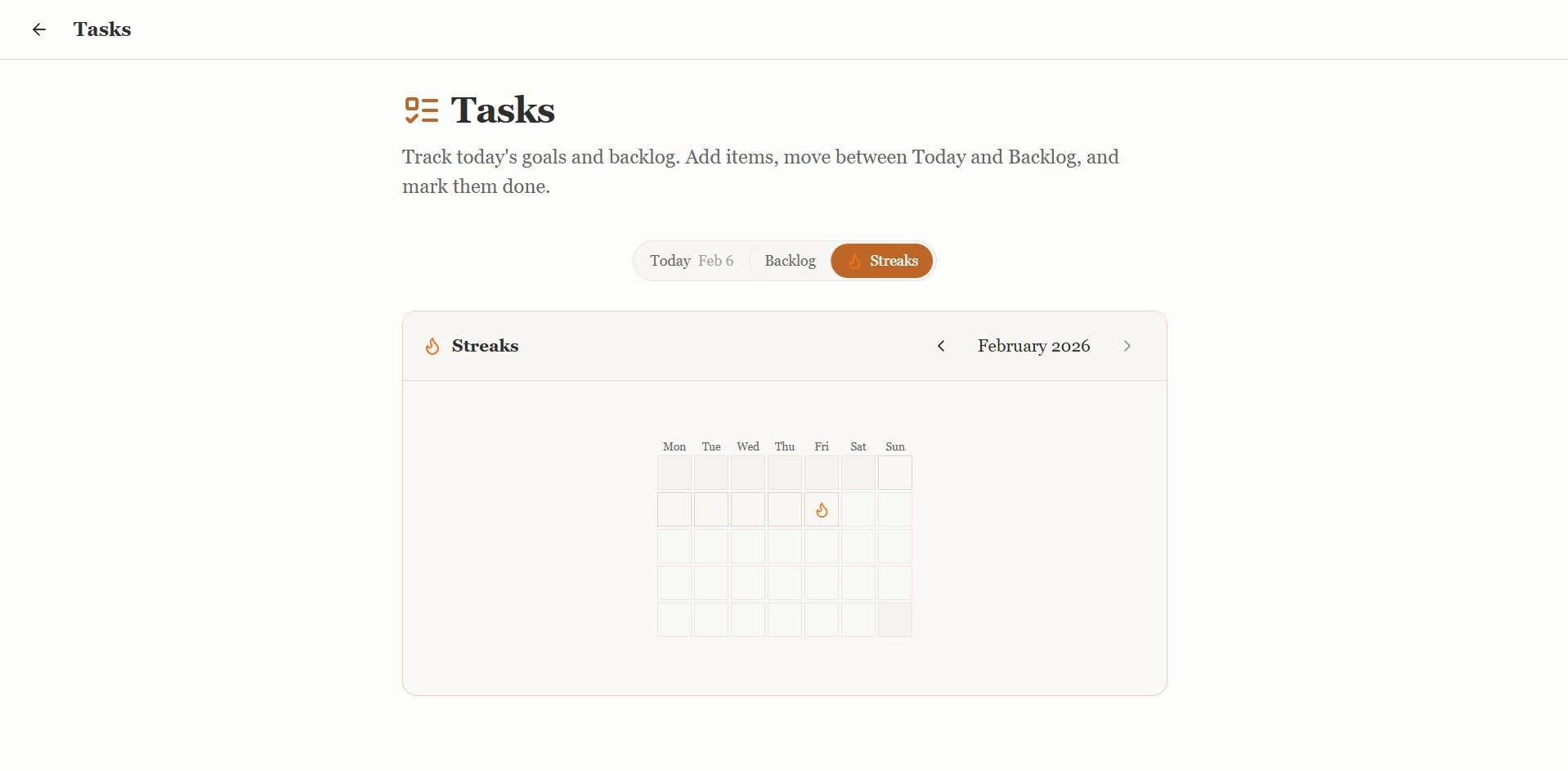
The true value of stayawake.dev becomes apparent when you encounter situations where your productivity could be compromised. Its versatility makes it suitable for various contexts—whether you’re giving a presentation, running intensive processes overnight, or simply taking a break without risking your progress.
Understanding these real-world scenarios helps illustrate why this tool is a worthy addition to your digital toolkit, offering peace of mind and saving you from preventable frustrations.
The Perfect Pitch: Ensuring Flawless, Interruption-Free Presentations
Imagine you’re delivering an important online presentation, demo, or webinar. A single system timeout can cause your screen to blank, or your device to go to sleep, disrupting the flow and potentially embarrassing you in front of colleagues, clients, or viewers.
Using stayawake.dev ensures your display remains active throughout your presentation. You can focus on delivering engaging content without worrying about technical hiccups. This reliability not only boosts your confidence but also projects professionalism. It’s a subtle yet powerful way to maintain your focus and present yourself in the best light.
For the Creators: Letting Your PC Work Overnight While You Rest
Creative professionals often run long processes like rendering videos, processing images, or compiling code. These tasks require continuous system activity, but system timeout settings can break the process if left unattended. This can mean waking up to incomplete renders or failed processes, which can be frustrating and time-consuming.
StayAwake.dev provides an elegant solution to this problem. By keeping your system and display active overnight, creators can rest assured that their work continues unhindered. This effortless approach maximizes productivity, reduces stress, and makes overnight workflows more predictable and efficient.
Reclaiming “Me Time”: Staying Active While Stepping Away for a Coffee
Sometimes, the best productivity boost is a short break. Whether grabbing a coffee, stretching, or taking a quick walk, stepping away from the desk is vital for maintaining focus and reducing fatigue. But during these brief absences, your system might time out, halting background processes or turning off your display, potentially losing unsaved work or progress.
Using stayawake.dev ensures your machine remains active during short breaks, allowing you to step away with confidence. When you return, your work continues seamlessly, and your processes stay intact. This simple utility helps you strike a healthier balance between work and rest, encouraging better productivity habits.
Why StayAwake.dev Deserves a Spot on Your Bookmark Bar
In an era where work-life balance and uptime consistency are crucial, having a dedicated tool to keep your environment optimal makes a lot of sense. StayAwake.dev is not just a productivity hack; it’s a lightweight, reliable, and easy-to-use utility that can enhance daily workflows, regardless of your device or OS.
Privacy First: No Data Collection, No Security Risks
One of the key concerns with any online tool is privacy. StayAwake.dev addresses this by ensuring that no data is collected or stored. Your usage remains entirely private and local to your browser session. This is especially important for professionals sharing sensitive work or working within strict security environments.
Maintaining your privacy and security while enhancing productivity is a primary reason to make stayawake.dev a regular part of your toolkit. You get the benefits of a simple utility without compromising trust or safety.
Lightweight and Efficient: Why Your RAM Will Thank You
Unlike bulky software or background processes that consume significant resources, stayawake.dev operates with minimal RAM and CPU load. This efficiency ensures your system remains responsive, even during extended use. It’s an unobtrusive method to keep your display active without sacrificing performance, making it ideal for both casual users and power users alike.
This lightweight design also means it can run on older or less powerful devices, extending its usefulness across different setups. The strategic minimalism ensures you benefit without any trade-offs.
The Value Proposition: A Premium Solution Without the Price Tag
Many productivity tools come with subscription fees or costly licenses. StayAwake.dev, by contrast, offers a straightforward, one-click solution that’s entirely free. Its open and accessible approach makes it an invaluable resource for students, freelancers, remote workers, and anyone seeking a simple way to prevent frustrating screen timeouts.
This affordability combined with effectiveness solidifies stayawake.dev as a smart investment—one that pays for itself in saved time, reduced frustration, and improved focus.
Conclusion: Take Control of Your Digital Environment
In a landscape filled with complex software and system configurations, stayawake.dev offers a refreshingly simple yet powerful solution to a common problem. By preventing screens from going dark and system processes from halting unexpectedly, it empowers users to stay focused, present, and productive across all scenarios—be it a critical presentation, long overnight render, or a quick break. Its browser-based, zero-install design, combined with an elegant aesthetic and efficient performance, makes it an indispensable tool for modern remote workers, creators, and anyone who values seamless workflow. As productivity challenges evolve, tools like stayawake.dev remind us that sometimes, the best solution is the simplest one—giving us back control over our digital environment and peace of mind.
Stayawake isn’t just about keeping your screen on; it’s about reclaiming your time and focus amid the silent threats of modern digital work environments. Now, consider bookmarking stayawake.dev and make it your trusted companion in maintaining uninterrupted productivity.
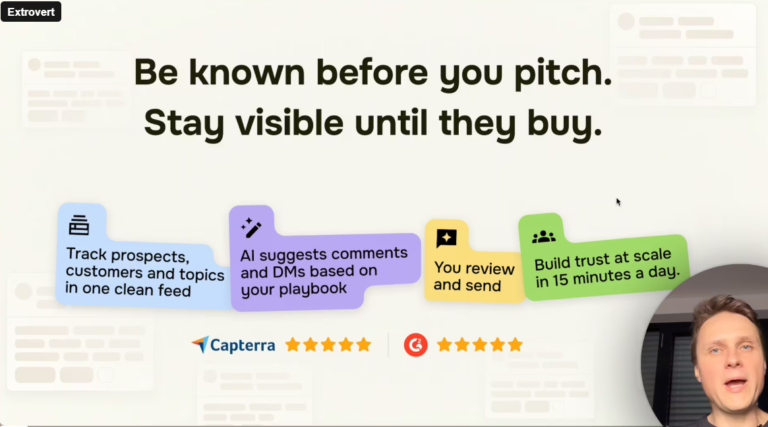
Extrovert: 7 Proven Strategies to Build Trust Before You Ever Pitch
Let’s be honest: LinkedIn has become a graveyard of ignored “Cold DMs.” We’re all tired of strangers jumping…
Happycapy AI: 5 Reasons This Agent-Native Computer Will Double Your Productivity
Forget everything you know about standard chatbots. Happycapy isn’t just a cute name; it represents a shift toward…
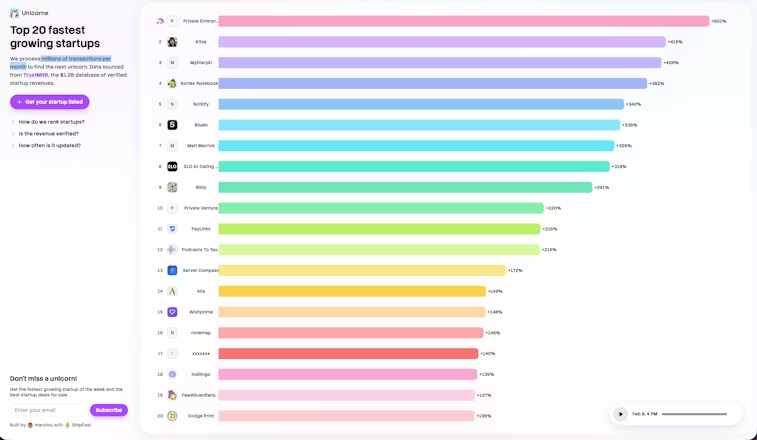
Unicorne: 3 Key Growth Signals to Spot Real Giants Beyond the Hype
The “Unicorn” dream used to be about a billion-dollar valuation, often built on investor excitement rather than actual…
Leave a Comment
Your email address will not be published.