GetResponse Review (2026): Email marketing, automation and webinars in one suite
GetResponse pairs a mature email platform with automation, landing pages, webinars and AI tools. We explain who it suits and where it feels dated.
Check it out Affiliate link · Disclosure
What it is
GetResponse is one of the longest-running email marketing platforms, founded in Poland in the late 1990s and still independently run. Over the years it has expanded well beyond newsletters: today it includes marketing automation with a visual workflow builder, landing pages and a website builder, built-in webinars, signup forms and popups, ecommerce integrations, SMS in some regions, and an AI assistant that drafts emails, subject lines and pages. More recently it has added creator-focused features such as paid newsletters and online courses.
The product targets small and mid-sized businesses, ecommerce stores, creators and marketing teams that want a single vendor for lead capture, nurturing and promotion. It is a broad toolkit rather than a specialist, which is both its appeal and the source of most of our reservations.

Who it is for
- Small businesses that want email, landing pages and automation from one vendor with one bill.
- Marketers who run webinars regularly and would rather not pay for a separate webinar platform.
- Ecommerce stores on Shopify, WooCommerce or Magento that want abandoned-cart and product recommendation emails without a specialist tool.
- Creators who want to sell courses or paid newsletters alongside a free list.
- Teams moving up from a basic newsletter tool who need real automation workflows.
Probably not for you if…
- You need a modern, deeply flexible email editor and best-in-class deliverability tooling above all else.
- You are a Shopify brand whose priority is predictive ecommerce segmentation, where Klaviyo goes deeper.
- You want a cheap, simple newsletter tool and will not use the automation, pages or webinars.
Key features
Email marketing and AI generation
The drag-and-drop email editor, template library and scheduling cover standard needs, and an AI email generator drafts campaigns from a prompt, including subject line suggestions. Send-time optimisation and A/B testing are included on most paid tiers. In our view the editor is competent but shows its age next to newer tools.
Marketing automation workflows
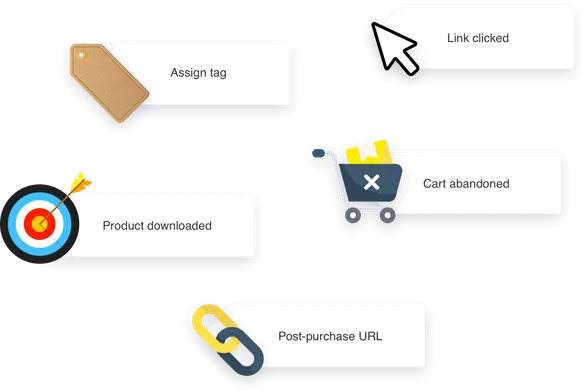
A visual builder lets you chain triggers, conditions and actions: tags, scoring, purchases, link clicks, page visits and more. Templates exist for welcome series, cart recovery, re-engagement and post-purchase flows. This is one of the stronger parts of the platform and is the main reason to move up from a basic newsletter service.
Landing pages, website builder and forms
You can build landing pages and simple websites with templates, host them on a custom domain, and add forms and popups to capture leads. The builder is adequate for campaign pages and lead magnets; it is not a replacement for a proper CMS if you publish a lot of content.
Webinars
GetResponse includes webinar hosting with registration pages, reminders, screen sharing, polls, recordings and follow-up automation. Attendee limits depend on your plan. Having webinars inside the email tool is a real convenience for educators and B2B marketers who run them monthly.
Ecommerce features
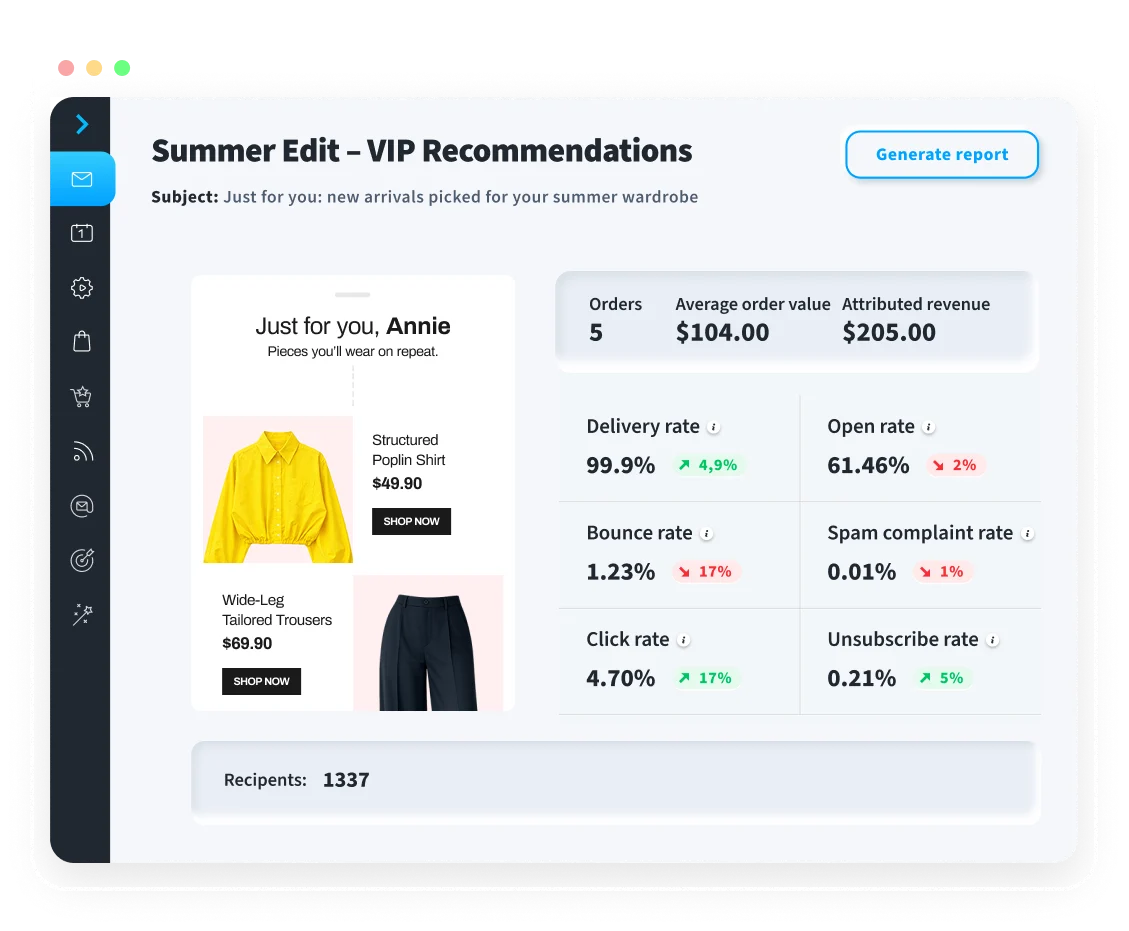
Store integrations sync products and orders, enabling abandoned-cart emails, product recommendations, transactional emails and revenue reporting. Promo codes and purchase-based segmentation are supported. It covers the essentials without matching ecommerce-specialist depth.
Creator monetisation
Newer features let you sell online courses, run paid newsletters and manage premium content with payments handled in-platform. These make GetResponse a plausible single tool for creators who do not want a separate course host.
Pricing
GetResponse offers a free trial, after which plans are priced by list size, with tiers that progressively unlock automation depth, ecommerce features, webinars with higher attendee limits, more users and creator tools. Enterprise-style plans add dedicated support, SMS and transactional email. Because most features are gated by tier as well as by contacts, read the plan comparison carefully before choosing; the cheapest tier is mainly for newsletters and basic autoresponders. Current figures are on the GetResponse pricing page. Some links in this review may be affiliate links; they do not change the price you pay.
Pros
- Broad feature set: email, automation, pages, webinars, ecommerce and creator tools under one roof.
- Automation workflow builder is capable and comes with useful templates.
- Built-in webinars save a separate subscription for teams that run them regularly.
- Long operating history and solid integrations with major ecommerce and CRM platforms.
- AI drafting for emails and pages speeds up production for small teams.
Cons
- The email editor and some interface areas feel older than newer competitors.
- Key features are gated behind higher tiers, so the real cost is often above the entry price.
- Being broad means no single module is the best in its category.
- Webinar attendee caps on lower plans can be restrictive.
Alternatives
- systeme.io if you want a similar all-in-one bundle with a free plan and accept simpler email features.
- Mailmodo if interactive AMP emails and modern journey building matter more than webinars and pages.
- ActiveCampaign if automation and CRM depth are your top priority and you do not need built-in webinars.
Verdict
Rating: 3.8/5. GetResponse is a dependable, broad platform, and we think it deserves a recommendation for small businesses and educators who will actually use the automation and webinar features, because the bundle genuinely saves money and admin. The rating stops short of four because parts of the product feel dated and because the most useful capabilities sit on higher tiers, which narrows the gap with buying specialist tools. Buy it if you want one vendor for email, pages and webinars and value stability over novelty. Skip it if you only need a newsletter, if you are an ecommerce brand that wants predictive segmentation, or if a modern editor and interface are important to you.
Check the current price and what is included on the official site.