Home › Academy › Automation Marketing with Claude
Automation Marketing with Claude
A free, hands-on course on turning Claude into a marketing workspace: reusable prompts, content and email workflows, SEO tasks, and scheduled automations with human approval.
Who this course is for
Solo founders, small marketing teams and freelancers who already use Claude for one-off questions and want a repeatable system instead: the same quality of output every week, with less typing.
What you will build
- A Claude workspace with a brand-voice file and a reusable prompt library
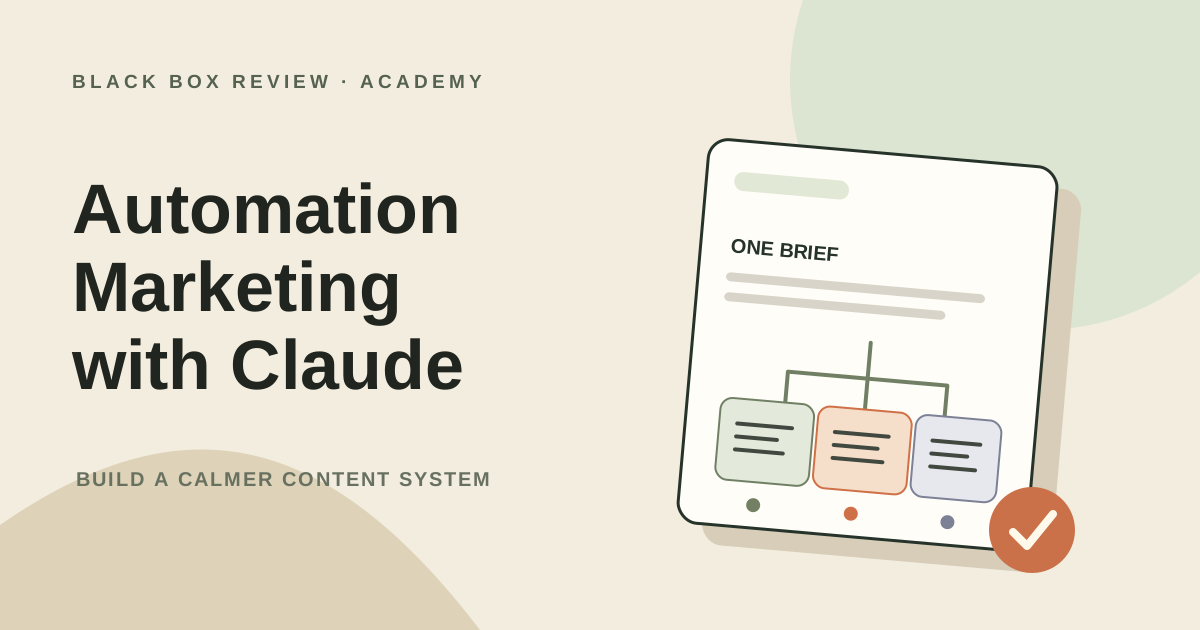
- A content engine that turns one brief into a blog post, an email and social posts
- Email sequences and SEO workflows you can run from a spreadsheet
- A scheduled automation with a human approval step, plus QA rules and a 30-day rollout plan
How the course works
Each lesson has a diagram, copy-paste prompts, a worked example and a checklist. Lessons are short (6–10 minutes). Do them in order the first time; later you can jump to the workflow you need.
What you need
A Claude account (a free account is enough for Modules 1–2), a spreadsheet tool, and one real marketing task you want to improve. Product features and plan limits change often, so check the linked official documentation when a lesson mentions a specific setting.
Curriculum
Module 1: Foundations
- What marketing automation with Claude really means — Sort your tasks into automate, assist and keep-human before you build anything. (7 min)
- Build your Claude marketing workspace — Set up a project with a brand-voice file, an audience doc and a reusable prompt library. (8 min)
Module 2: Marketing workflows
- The content engine: brief to draft to repurpose — Turn one approved brief into a blog post, an email and social posts, with a human gate. (9 min)
- Email and lifecycle sequences — Draft a five-email welcome and nurture sequence with a branch for people who do not open. (8 min)
- SEO workflows: clustering, briefs and audits — Cluster a keyword export by intent, write briefs and audit pages, with a monthly review. (9 min)
Module 3: Automation
- Connect the marketing stack safely — Map the tools around one workflow, choose the least risky connection and test permissions before use. (8 min)
- Scheduled workflows with a human approval step — Run a weekly report on a schedule that drafts, but never sends without approval. (9 min)
- Add QA gates and roll out safely — Measure quality, catch risky output before it ships and decide whether to keep, revise or stop the workflow. (9 min)